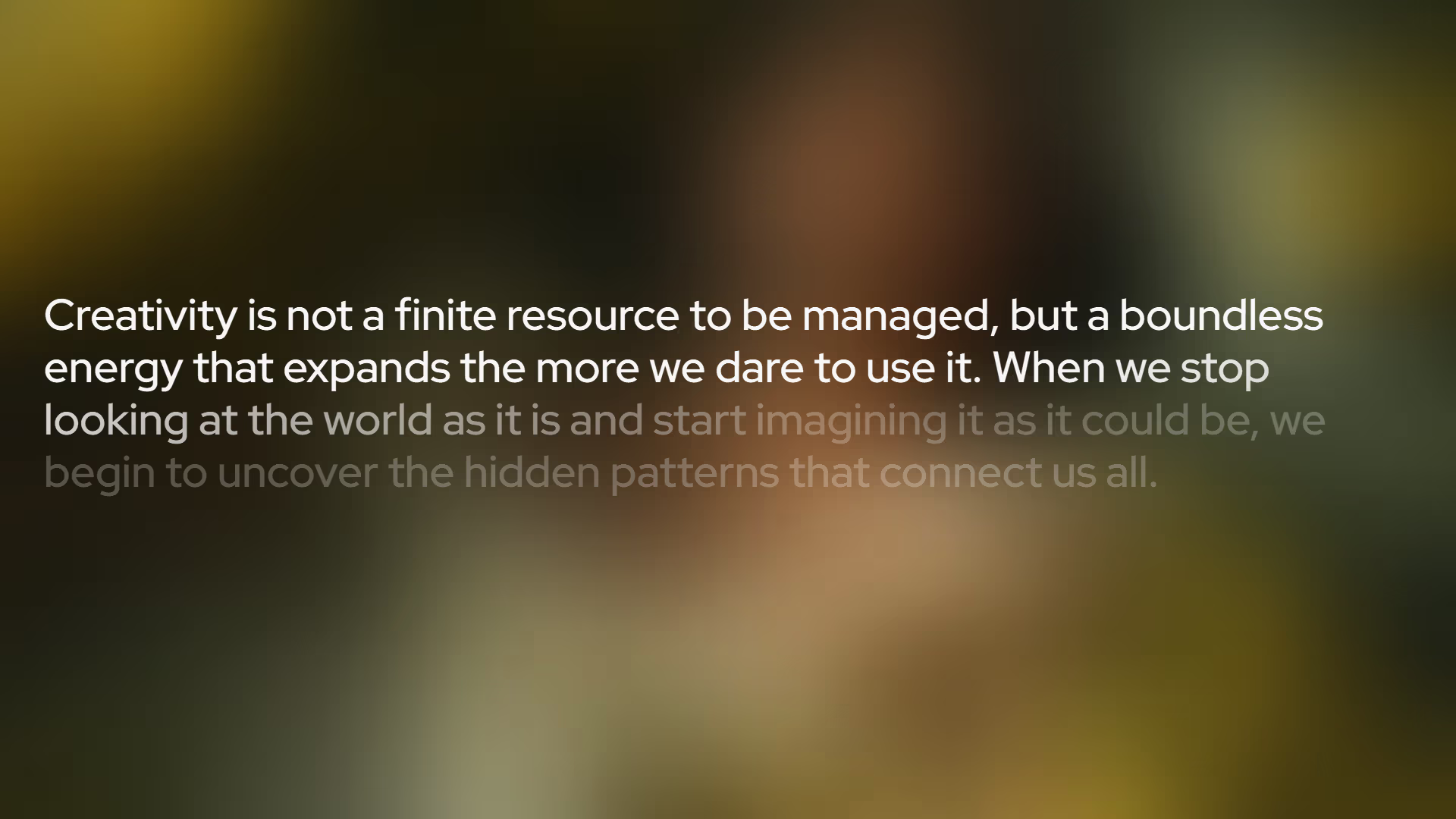
Text Fill on Scroll
An elegant, scroll-triggered text fill animation that reveals content as the user scrolls down the page.
Overview
This implementation provides a sophisticated way to engage readers by revealing text through a smooth gradient "fill" effect. By utilizing modern CSS Scroll-driven Animations (view-timeline), it achieves fluid, high-performance interactions without the overhead of heavy JavaScript scroll listeners or complex intersection observers.
Key Features
- Native Performance: Driven by the browser's animation engine via
view-timeline, ensuring 60fps performance even on low-end devices. - Zero Bloat: Pure CSS implementation with no external library dependencies.
- Highly Customizable: Control the "reveal" softness, colors, and timing using simple CSS variables.
- Modern Standards: Uses
@propertyfor smooth interpolation of custom properties.
Technical Specifications
| Parameter | Value |
|---|---|
| Logic | Vanilla CSS |
| Styling | Modern CSS (Nesting, @property) |
| APIs | View Timeline API |
| Payload | < 1KB |
Implementation
1. Structural CSS
The core logic relies on a registered CSS property to animate a gradient position based on the scroll progress of the container.
/* Registering the progress property for smooth interpolation */
@property --_p {
    syntax: '<percentage>';
    inherits: false;
    initial-value: 0%;
}

.wrapper {
    /* Define the scroll timeline based on this element's visibility */
    view-timeline: --text-box;

    .text {
        --edge-softness: 20%;
        --initial-color: rgb(255 255 255 / .25);
        --fill-color: rgb(255 255 255 / .95);

        display: inline;
        color: transparent;
        background-color: var(--initial-color);
        background-image: linear-gradient(
            135deg,
            var(--fill-color) calc(var(--_p) + var(--edge-softness) * -1),
            transparent var(--_p)
        );
        background-repeat: no-repeat;
        background-clip: text;

        /* Link animation to the scroll timeline */
        animation: textFill linear both;
        animation-timeline: --text-box;
        animation-range: contain contain 75%;
    }
}

@keyframes textFill {
    to {
        --_p: calc(100% + var(--edge-softness));
    }
}
2. Basic Markup
Ensure the text is wrapped in a container that serves as the scroll trigger.
<div class="wrapper">
    <h1 class="text">
        Your compelling content goes here...
    </h1>
</div>
Integration
- Add Styles: Copy the CSS into your project. Ensure your environment supports modern CSS nesting or use a preprocessor.
- Apply Classes: Wrap your target text in a container with the
wrapperclass and add thetextclass to the element itself. - Configure Range: Adjust
animation-rangeto control when the animation starts and ends relative to the viewport. - Customize: Modify the CSS variables (
--initial-color,--fill-color,--edge-softness) to match your brand's aesthetic.