Global Parallax Setup
A high-performance parallax system powered by native CSS animation-timeline. This implementation avoids JavaScript scroll listeners, ensuring 60fps performance by offloading animation calculations to the compositor thread.
Overview
The system uses the view() timeline to track elements as they pass through the viewport. By adjusting the translate property based on a data-scroll-speed attribute, elements can appear to move at different depths.
Features
- Zero JS: Pure CSS implementation for maximum performance.
- Variable Depth: Custom speeds per element.
- Smooth Integration: Works with any HTML element via data attributes.
Installation
Add the following logic to your global CSS architecture:
[data-scroll-speed] {
    /* Speed calculation: default to 1 (normal scroll) */
    --speed: var(--scroll-speed, attr(data-scroll-speed type(<number>)));

    animation: scrollSpeedAdjust linear both;
    animation-timeline: view();
    animation-range: cover;
}

@keyframes scrollSpeedAdjust {
    to {
        /* Precise translation formula for parallax offset */
        translate: 0 calc(100vh * (1 - var(--speed, 1)) - min(50%, abs(100vh * (1 - var(--speed, 1)) / 2)));
    }
}
Note: The CSS
attr()function with types is currently an experimental feature (CSS Values Level 4). For maximum compatibility, use the--scroll-speedvariable as a fallback.
Usage
Apply the data-scroll-speed attribute to any element.
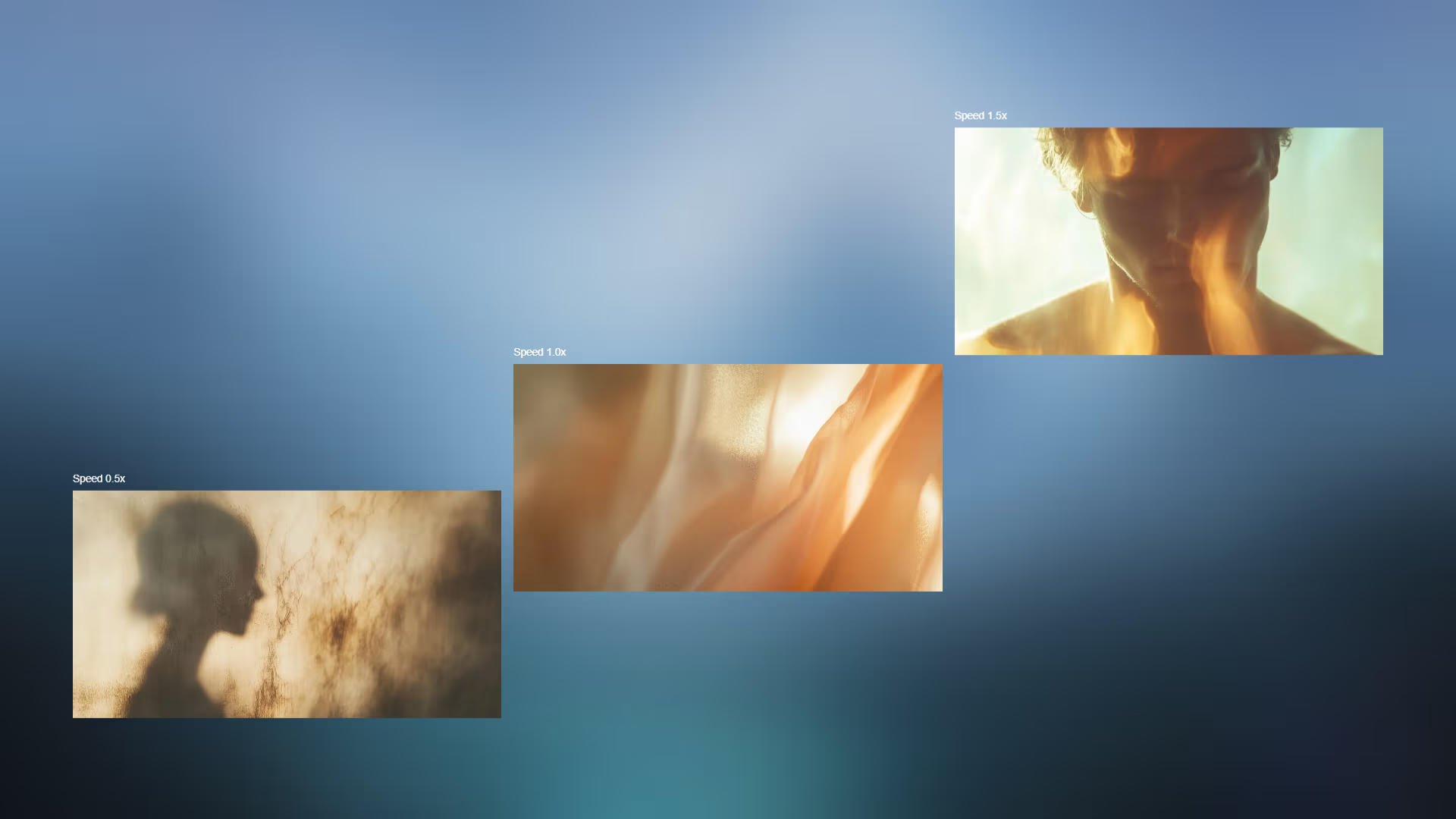
0.5: Moves at half speed (background effect).1.0: Moves at normal speed (default).1.5: Moves faster than scroll (foreground effect).
<!-- Background Element -->
<div data-scroll-speed="0.5">Deep Background</div>

<!-- Foreground Element -->
<div data-scroll-speed="1.2">Near Foreground</div>

<!-- Fallback for browsers without attr() type support -->
<div style="--scroll-speed: 0.8" data-scroll-speed="0.8">Compatible Element</div>