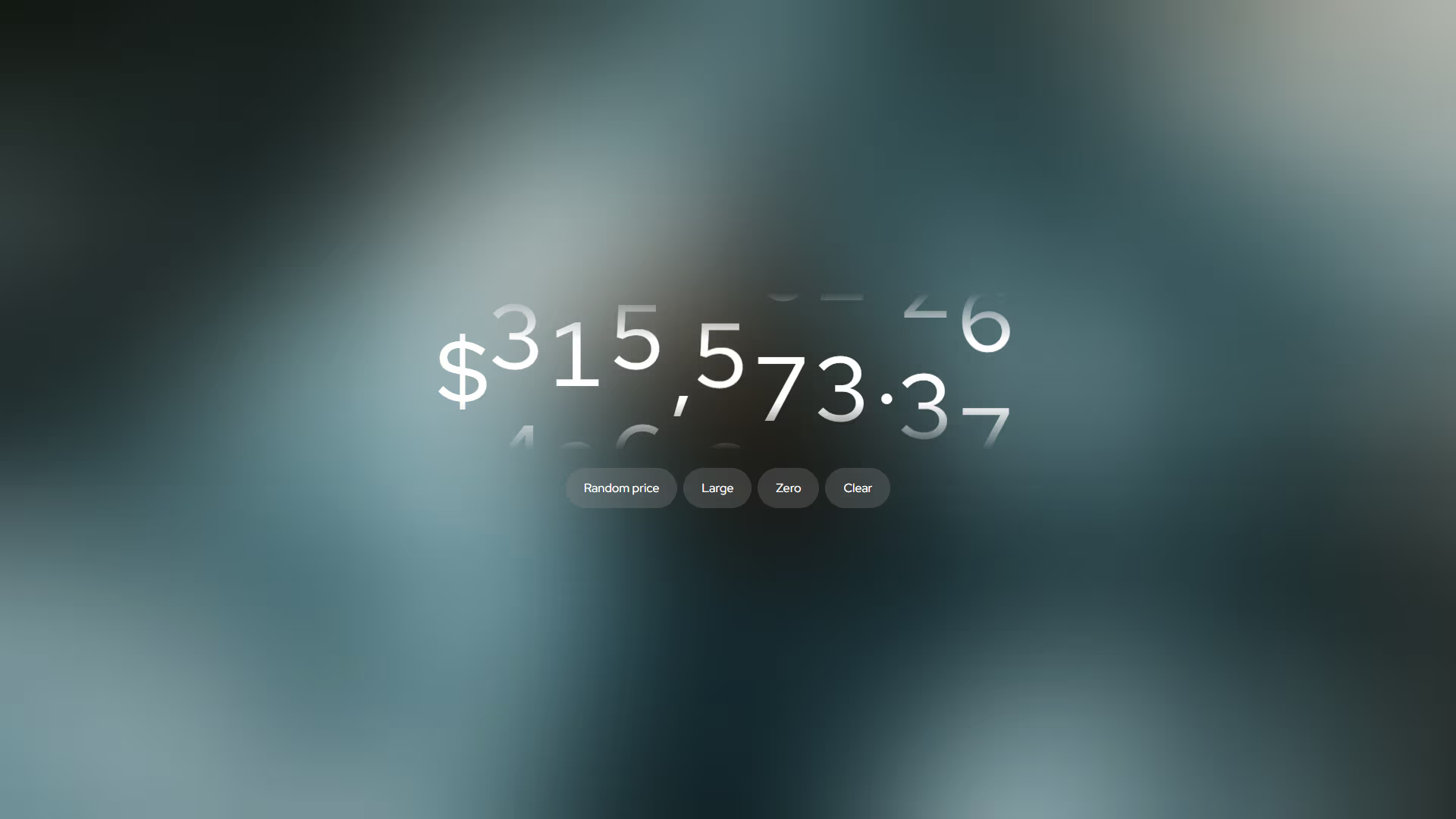
Animated Number Changer
A high-performance, vanilla JavaScript and CSS component for creating smooth, rolling-digit animations. It seamlessly handles currency symbols, decimals, and dynamic value changes with elegant entrance and exit transitions.
Overview
The Animated Number Changer addresses the need for Fluid, meaningful transitions when numerical data updates. Instead of abrupt text changes, it uses vertical translation of a digit-strip (0-9) driven by CSS variables. This implementation ensures that each character—whether a digit or a symbol—is treated as an individual animated unit, maintaining layout stability and providing a premium, mechanical feel.
Key Features
- Rolling Digit Physics: Uses CSS
translateYwith a vertical 0-9 strip for smooth, low-latency animations. - Smart Character Handling: Distinguishes between digits and non-digits, allowing for formatted strings like
$1,234.56. - Dynamic Resizing: Automatically manages the addition and removal of digits with staggered opacity and width transitions.
- Tabular Alignment: Leverages
tabular-numsto ensure digits occupy equal horizontal space, preventing "jumping" layouts.
Technical Specifications
| Parameter | Value |
|---|---|
| Logic | JavaScript ES6+ (Class-based) |
| Styling | Vanilla CSS (Nesting, @starting-style) |
| APIs | DOM, requestAnimationFrame |
| Payload | ~1.1 KB (Minified + Gzipped) |
Implementation
1. Structural CSS
[data-animate-number] {
    --transition-duration: 1s;
    display: flex;
    align-items: center;
    font-variant-numeric: tabular-nums;
    overflow: clip;
    max-width: 100%;

    .digit, .char {
        display: block;
        transition-property: width, opacity, translate;
        transition-duration: calc(var(--transition-duration) * .25), calc(var(--transition-duration) * .15);

        @starting-style {
            --num: -1;
            width: 0ch !important;
        }

        &.removing {
            --num: -1 !important;
            width: 0ch;
            opacity: 0;
        }
    }

    .digit {
        --num: -1;
        width: 1ch;
        height: 1lh;

        &::before {
            display: block;
            content: '0123456789';
            word-break: break-all;
            translate: 0 calc(-10% * clamp(-1, var(--num, 0), 9));
            transition-duration: calc(var(--transition-duration) * .75 * var(--_mp, 1));
        }

        &.removing {

            &::before {
                transition-duration: calc(var(--transition-duration) * .25);
            }
        }
    }

    .char {
        width: fit-content;
        interpolate-size: allow-keywords;

        @starting-style {
            opacity: 0;
            translate: 0 100%;
        }

        &.removing {
            translate: 0 100%;
        }
    }
}
2. Core Logic
class AnimateNumber {
    constructor(selector = '[data-animate-number]') {
        this.elements = document.querySelectorAll(selector);
        this.pending = [];
        this.ms = 1000;
        this.init();
    }
    init() {
        this.update();
    }

    update() {
        this.elements.forEach(ele => {
            const value = ele.getAttribute('value') || '00';
            this.render(ele, value);
        });
    }

    render(ele, value) {
        this.pending.forEach(clearTimeout);
        this.pending = [];

        const duration = parseFloat(getComputedStyle(ele).getPropertyValue('--transition-duration')) * 1000 || this.ms;

        [...ele.querySelectorAll('.removing')].forEach(el => el.remove());

        const chars = this._toChars(value);
        const oldEls = [...ele.children];

        chars.forEach((char, i) => {
            const old = oldEls[i];
            if (!old) {
                const el = this._makeEl(char);
                ele.appendChild(el);
                if (char.type === 'digit') requestAnimationFrame(() => el.style.setProperty('--num', char.value));
            } else if (old.dataset.type !== char.type) {
                const el = this._makeEl(char);
                ele.insertBefore(el, old);
                if (char.type === 'digit') requestAnimationFrame(() => el.style.setProperty('--num', char.value));
                old.classList.add('removing');
                this.pending.push(setTimeout(() => old.remove(), duration));
            } else {
                if (char.type === 'digit') old.style.setProperty('--num', char.value);
                else old.textContent = char.value;
            }
        });

        oldEls.slice(chars.length).forEach(el => {
            el.classList.add('removing');
            this.pending.push(setTimeout(() => el.remove(), duration));
        });

        ele.dataset.value = value;
        ele.setAttribute('aria-label', value);
    }

    _toChars(str) {
        return [...String(str)].map(c => ({ type: /\d/.test(c) ? 'digit' : 'char', value: c }));
    }

    _makeEl({ type, value }) {
        const el = document.createElement('div');
        el.className = type;
        el.dataset.type = type;
        if (type === 'char') el.textContent = value;
        return el;
    }
}
Example
<div id="price-target" data-animate-number value="$0.00"></div>
const an = new AnimateNumber();
const target = document.getElementById('price-target');

// Trigger the animation to a new formatted value
an.render(target, '$1,499.50');
Integration
- Add the Styles: Copy the structural CSS into your global stylesheet or a component-specific file to define the animation behavior.
- Initialize the Class: Import or include the
AnimateNumberclass and create a new instance. - Trigger Updates: Use the
.render(element, newValue)method to animate any element with thedata-animate-numberattribute to its new value.